Skip to content

Work · SR–W03 · Flagship study

The Music Intelligence Workshop

Software is another instrument — and this studio builds its own.

Relationship

Studio products and prototypes by SR Pro Audio

Period

2023 — ongoing

Status

Working prototypes · in use, in progress

Every tool in this workshop began as a production problem the studio kept hitting: mastering decisions that wanted a reference, arrangements that died waiting for a DAW license, narration that needed a voice before a voice was booked. Rather than wait for the industry to solve them, the studio treats software the way it treats an instrument — something you build, tune and play.

These are working prototypes, and they are presented as exactly that. No funding story, no invented user numbers — an independent studio’s research practice, run in public. Each tool is live, each can be opened and used, and each is honest about how far it has been taken. That honesty is the credibility.

Three tools, three problems
SR–T01 — T03

SR–T01

AudioX

Mastering & finishing

An online mastering environment: intelligent processing chains, reference-based decisions, sample resources.

Working prototype

Open AudioX

SR–T02

DLM DAW Studio

Composition & arrangement

A browser-based digital audio workstation — multi-track recording, effects and mixing without installation.

Working prototype

Open DLM DAW Studio

SR–T03

Voice Designer

Voice & narration

Voice synthesis for creators and applications: custom voice design and natural-sounding speech.

Working prototype

Open Voice Designer
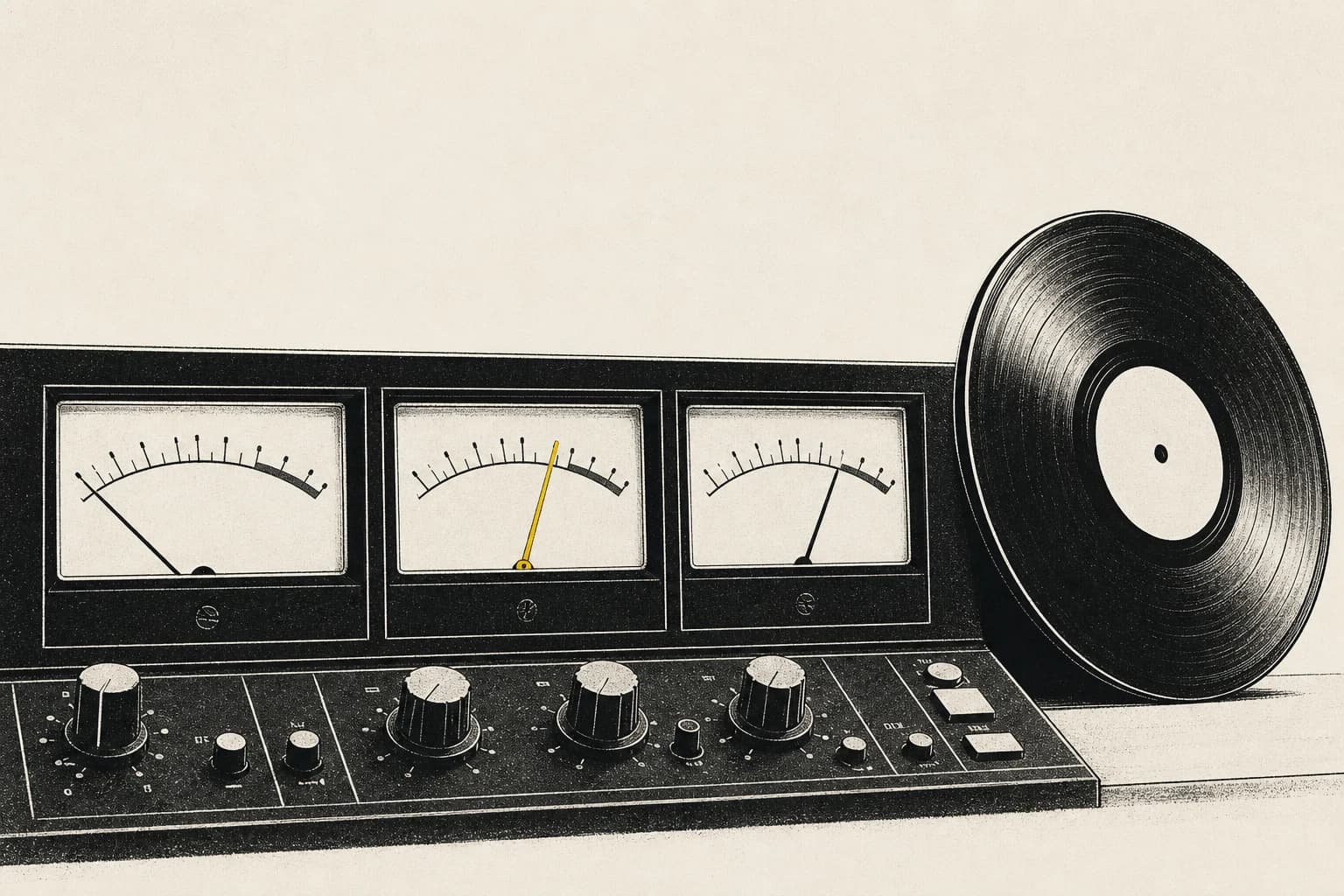
AudioX illustration — three analog VU meters with a vinyl reference record leaning beside them, one yellow needle
Fig. 01 · AudioX — mastering against a recordSR–T01 · Illustration
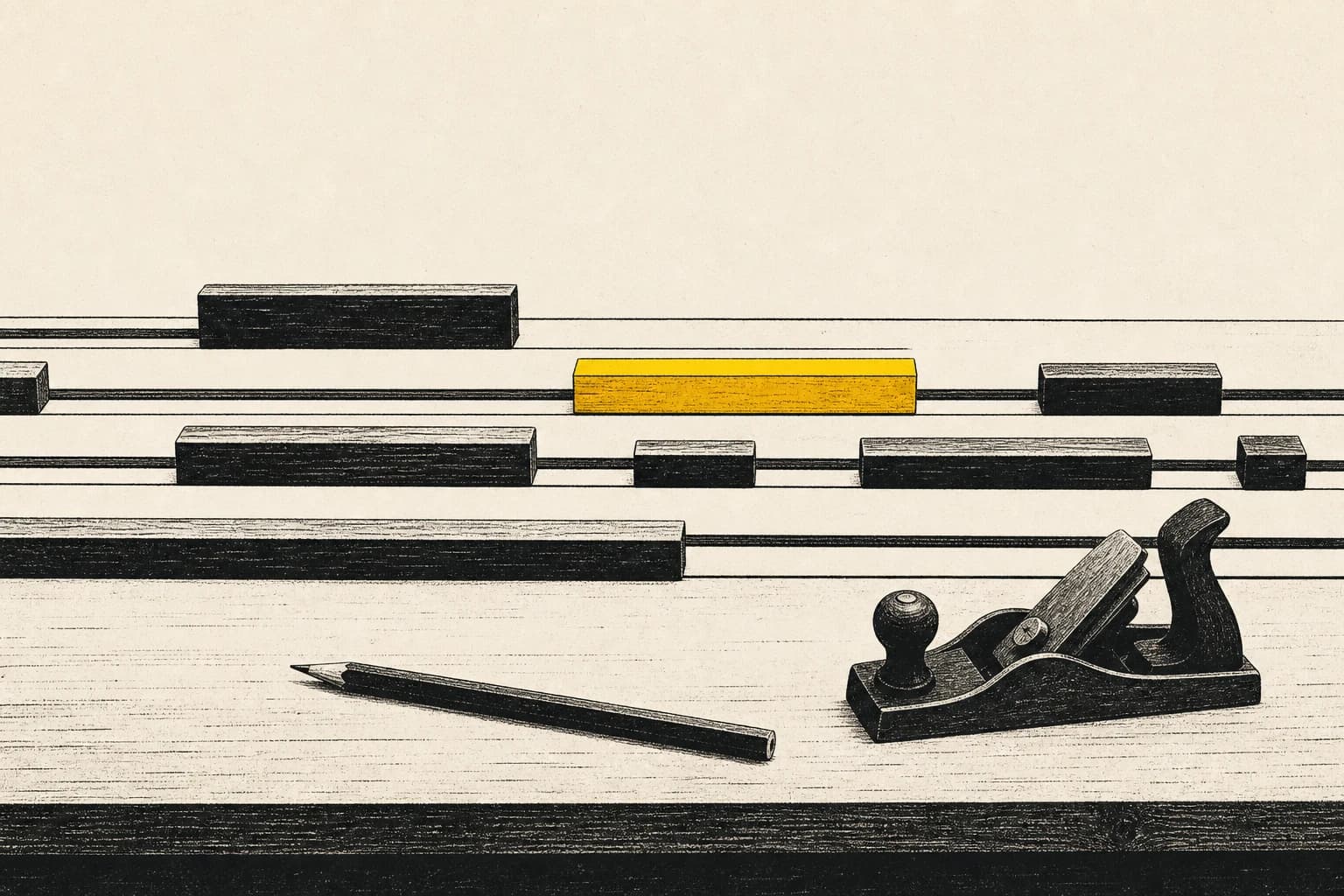
DAW Studio illustration — wooden arrangement blocks on timeline rails beside a hand plane and pencil, one yellow block
Fig. 02 · DAW Studio — arrangement by handSR–T02 · Illustration

Two workflows, as they actually run

Workflow 01 · AudioX

Mastering a track

  1. 01UploadThe mix comes in as it left the session — no pre-treatment, headroom intact.
  2. 02ReferenceA commercial reference sets the target. The decisions that follow are made against a real record, not an abstract loudness number.
  3. 03Chain decisionsThe processing chain — EQ, compression, limiting — is proposed, then interrogated. Every stage can be overridden; the machine suggests, the ear signs off.
  4. 04ExportThe master renders with its decisions visible, so the session teaches something about the next one.

Workflow 02 · DLM DAW Studio

Sketching an arrangement

  1. 01Open a sessionA multi-track session in the browser tab — nothing to install, nothing to license before the idea exists.
  2. 02Lay tracksRecord or place parts across tracks; arrangement is the point, so moving a section should cost seconds, not a save-as.
  3. 03Shape and mixPer-track effects and level decisions carry the sketch far enough to judge it honestly — far enough to know whether it deserves the big studio session.

Why a workshop

One tool is an experiment. A family of tools is a practice. Held together, the workshop is the studio investigating one question from three sides: what should software do for a musician, and what must it leave alone? The answers feed back into the music — and the music keeps the tools honest.

Next — SR–W04

The Production Studies